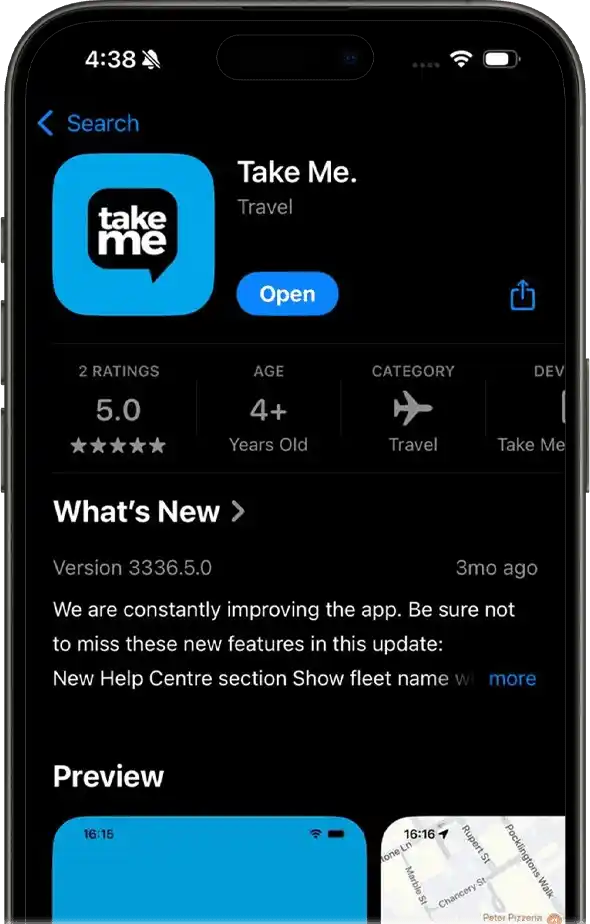

In today’s fast-paced world, booking a taxi should be quick, easy, and convenient. Whether heading to work, catching a flight, or going for a night out, having a reliable taxi service is essential. Book Take Me and experience punctuality, friendly drivers, and easy booking process. Let us walk you through the process to book Take Me effortlessly.
Why Choose Take Me?
Before diving into the booking process, here’s why Take Me is the right choice for your travel needs:
Reliable Service
Always on time with professional drivers
Affordable Rates
Competitive pricing that won’t hurt your wallet
Safety First
With thoroughly trained drivers and regularly maintained vehicles, your safety is a priority.
Easy Booking Options
Whether you prefer using a smartphone app, website, or phone, booking is always simple and accessible.
Ways to Book Take Me Rides
There are 3 easy ways for you to book Take Me rides
1. Book via the Mobile App
Take Me offers a user-friendly mobile app for iOS and Android that allows you to book a ride with just a few clicks.
Steps to Book Using the App:
Step 1: Download the app from the App Store or Play Store.
Step 2: Open the app and sign up or log in to your existing account.
Step 3: Enter your pickup and dropoff location.
Step 4: Choose your ride type (Minibus, Corporate, etc.).
Step 5: Confirm your ride details and tap “Book Now.”
Step 6: You will receive a confirmation with the driver’s details and the estimated arrival time.
Tip: The app lets you track your driver’s live location so you know exactly when your ride will arrive.
2. Book via the Website
Don’t have the app installed? No worries! You can easily book a ride through the Take Me website from any device.
Steps to Book via the Website:
Step 1: Visit the Take Me official website.
Step 2: Look for the “Book Now” button and click on it.
Step 3: Enter your travel details, including pickup, dropoff, and preferred time.
Step 4: Choose the type of service you require (Minibus, Corporate, etc.).
Step 5: Enter your contact details and confirm your booking.
Step 6: You’ll receive a booking confirmation with your driver’s information via email or SMS.
3. Book Over the Phone
Those who prefer a more traditional approach can also book their ride over the phone. This is perfect for individuals who may not be tech-savvy or have limited internet access.
Steps to Book Over the Phone:
Step 1: Call the Take Me customer service hotline.
Step 2: Provide the representative with your pickup and dropoff details.
Step 3: Let them know the time and date of your journey.
Step 4: Choose the type of vehicle you prefer.
Step 5: Confirm your booking and wait for a confirmation message or call.
Tips for a Smooth Experience
Plan Ahead:
If you’re booking for a special event or at a busy time (e.g., airport pickups, peak hours), try to book in advance to ensure availability.
Double Check Details:
Always ensure the details you entered are correct, especially the pickup address and phone number.
Stay in Contact:
Keep your phone handy, as drivers may need to contact you for additional information about your location.
Take Me makes getting around easy, quick, and reliable. With multiple booking options designed for everyone’s preferences, you’ll never have trouble finding a ride when needed. Try any of the above methods to book take me, and you’ll be on your way in no time!